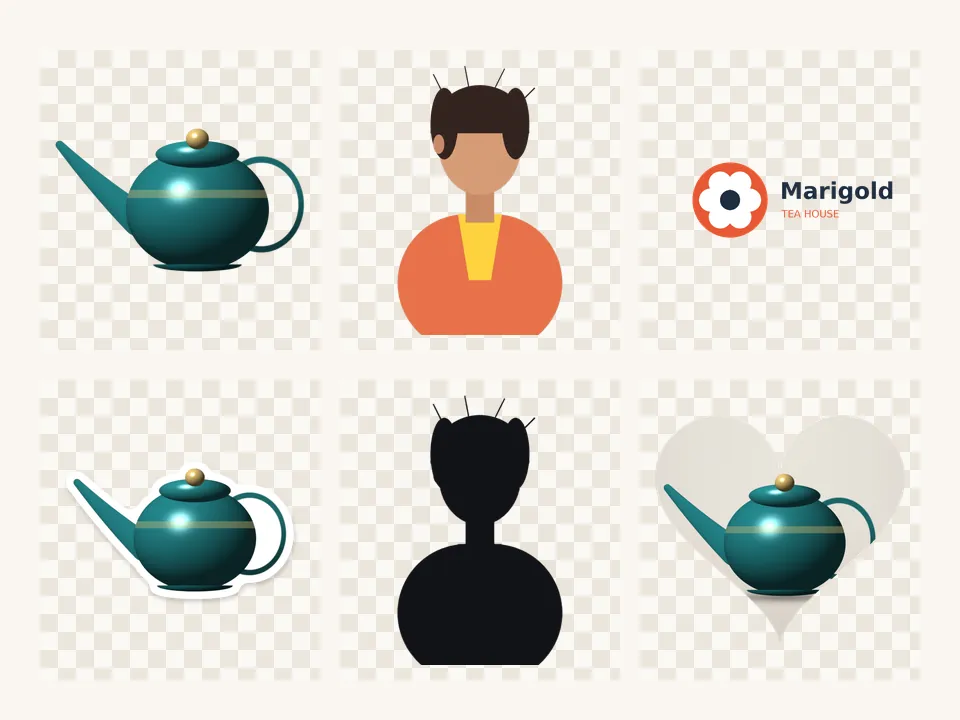
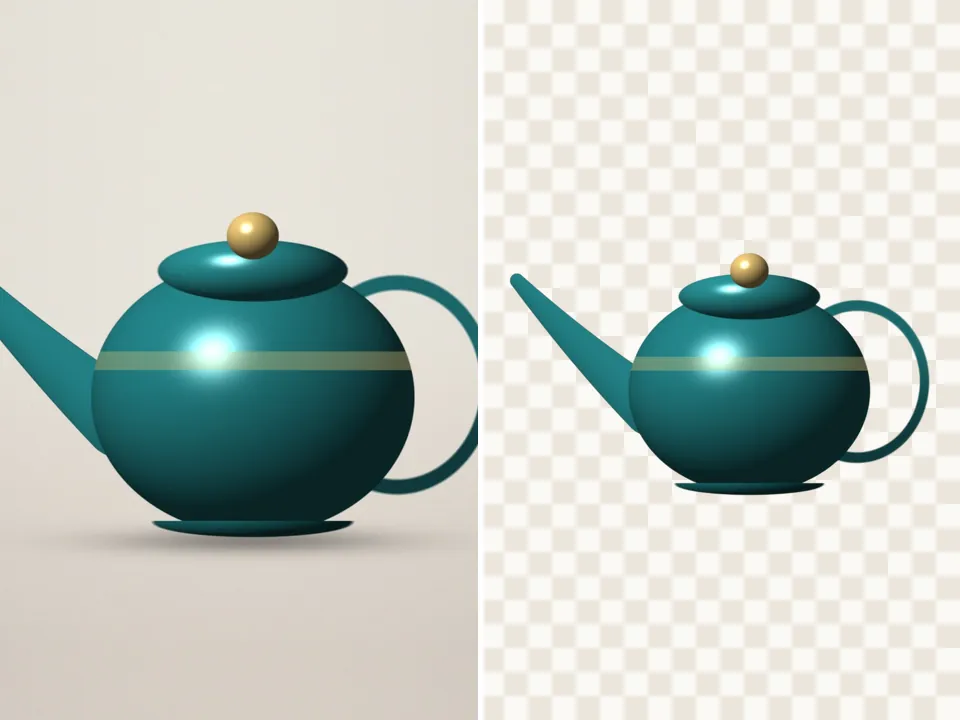
Cut out an object from a picture — products, pets, food, anything
For product shots and objects: cut out the item, then save it on transparency or on white for a listing. Your pictures never leave your device.
Drop a picture to cut out
JPG, PNG, WebP, GIF or AVIF. Or paste one with Ctrl + V. It opens here, on your device.
Cut
The subject finder looks for the main thing in the picture — a product, pet, plant, person or object.
Refine the edge
Finish
Background
Export
AI models run on this device and are kept in this browser after their first download.
How to use the cut out an object
- Add a photo of the object.
- Let the subject finder cut it (the 88.1 MB model downloads once).
- Use Grow / shrink −1 px to tighten the edge on hard products.
- Download a transparent PNG — or pick a white background and JPG for a marketplace.
Clean edges on hard objects
Products have crisp edges, so a slightly tighter mask usually looks better than a soft one. Grow / shrink moves the edge by exact pixels, measured with a distance transform, rather than blurring it.
On white for listings
Choose white in Background and JPG in Export to get a product on pure white, trimmed to the object. Add a Shadow finish for a soft contact shadow under the item.
Questions
Does it work for transparent things like glass?
Partly. Glass shows its background through it, which no automatic cutter can fully separate. Cut it out, then soften the edge a little and check it on the background you plan to use.
Can I add a shadow under the product?
Yes — choose the Shadow finish and set its strength. It’s drawn from the cutout’s own shape, so it follows the object.
Is my picture uploaded anywhere?
No. PicCutout opens and cuts your picture inside your browser, on your device. There is no upload step and no server that receives pictures. The only things this site downloads are its own pages and, if you agree, an AI model file, which is the same for everyone.
Can I cut out many product photos at once?
Use Bulk cutout: up to 50 pictures, the same finish and file type for all, saved as one ZIP.
Is it free, and is there a watermark?
It’s free, with no sign-in and no watermark. Downloads are full resolution — up to 12 megapixels, which is where very large photos are scaled to keep the browser responsive.