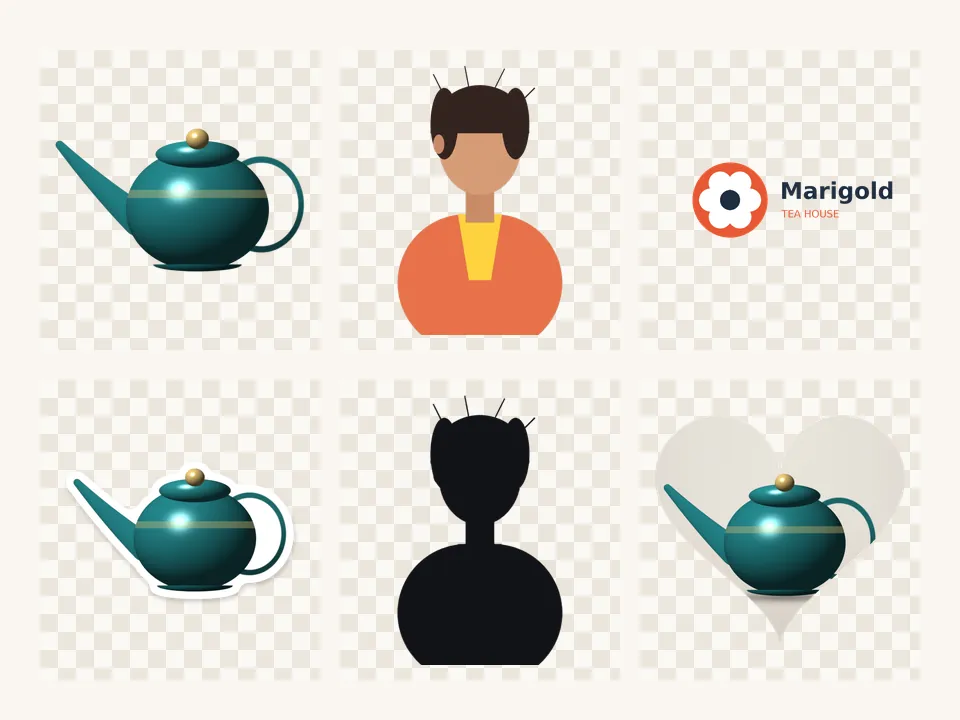
WhatsApp sticker maker — 512 × 512 stickers under 100 KB
Every sticker is exactly 512 × 512 with a 16 px margin; the WebP quality steps down until the file is under 100 KB. Your pictures never leave your device.
Drop a picture to cut out
JPG, PNG, WebP, GIF or AVIF. Or paste one with Ctrl + V. It opens here, on your device.
Cut
The subject finder looks for the main thing in the picture — a product, pet, plant, person or object.
Refine the edge
Finish
Border colour
Background
Export
Exactly 512 × 512 px with a 16 px margin, WebP, quality lowered step by step until the file is under 100 KB. Make 3 or more and download them as a WhatsApp pack from the tray.
AI models run on this device and are kept in this browser after their first download.
How to use the whatsapp stickers
- Cut out a photo — the Sticker finish is already on.
- Download: you get a 512 × 512 WebP, with its file size shown.
- Repeat for 3 to 30 photos; each lands in the cutout tray.
- Press WhatsApp pack (ZIP) for all stickers plus a 96 × 96 tray icon.
Built to WhatsApp’s sticker rules
WhatsApp’s published rules for sticker art: exactly 512 × 512 pixels, WebP with a transparent background, under 100 KB, ideally with a 16-pixel margin; a pack holds 3 to 30 stickers with a 96 × 96 tray icon under 50 KB. PicCutout fits each cutout inside the margin and searches the WebP quality downwards until the file fits, then tells you the size it reached.
What to do with the pack
The ZIP holds numbered WebP stickers and tray-icon.png. Sticker-pack apps and WhatsApp’s own sticker creator can import them; how you add a pack depends on your phone and app version, so follow your sticker app’s import steps.
Questions
What size should a WhatsApp sticker be?
512 × 512 pixels, WebP, under 100 KB, with a transparent background and ideally a 16-pixel margin. That’s exactly what the WhatsApp sticker download here produces.
My sticker is still over 100 KB. What now?
Very detailed photos can stay large even at low quality. Choose the Clean finish (no shadow), trim tighter with Grow / shrink, or cut out a smaller part of the picture. The size is always shown after download.
Why doesn’t the WebP download work in Safari?
Safari can display WebP but can’t create it from a web page. Use Chrome, Edge or Firefox for WhatsApp stickers.
How many stickers do I need for a pack?
Between 3 and 30. The WhatsApp pack button turns on once the tray holds 3 cutouts, and includes a 96 × 96 tray icon made from the first one.
Is my picture uploaded anywhere?
No. PicCutout opens and cuts your picture inside your browser, on your device. There is no upload step and no server that receives pictures. The only things this site downloads are its own pages and, if you agree, an AI model file, which is the same for everyone.