Photo sticker maker — die-cut stickers with a white border
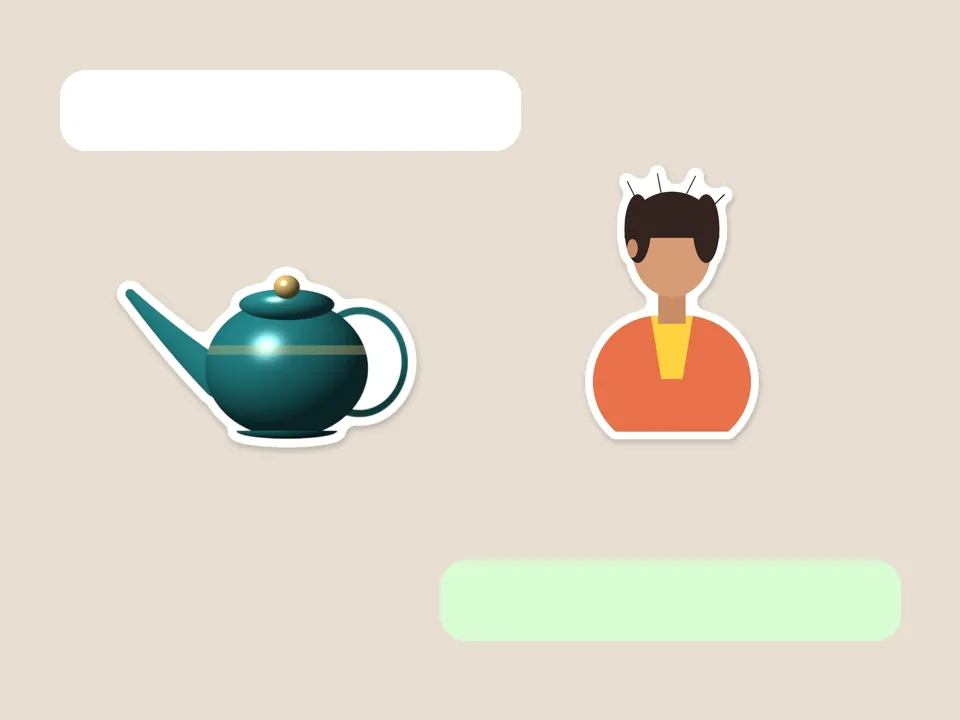
Cuts out the subject, then rounds a white border around it the way scissors would — notches smoothed, shadow underneath. Your pictures never leave your device.
Drop a picture to cut out
JPG, PNG, WebP, GIF or AVIF. Or paste one with Ctrl + V. It opens here, on your device.
Cut
The subject finder looks for the main thing in the picture — a product, pet, plant, person or object.
Refine the edge
Finish
Border colour
Background
Export
AI models run on this device and are kept in this browser after their first download.
How to use the sticker maker
- Add a photo — a pet, a person, food, anything.
- Let the subject finder cut it out, or switch method.
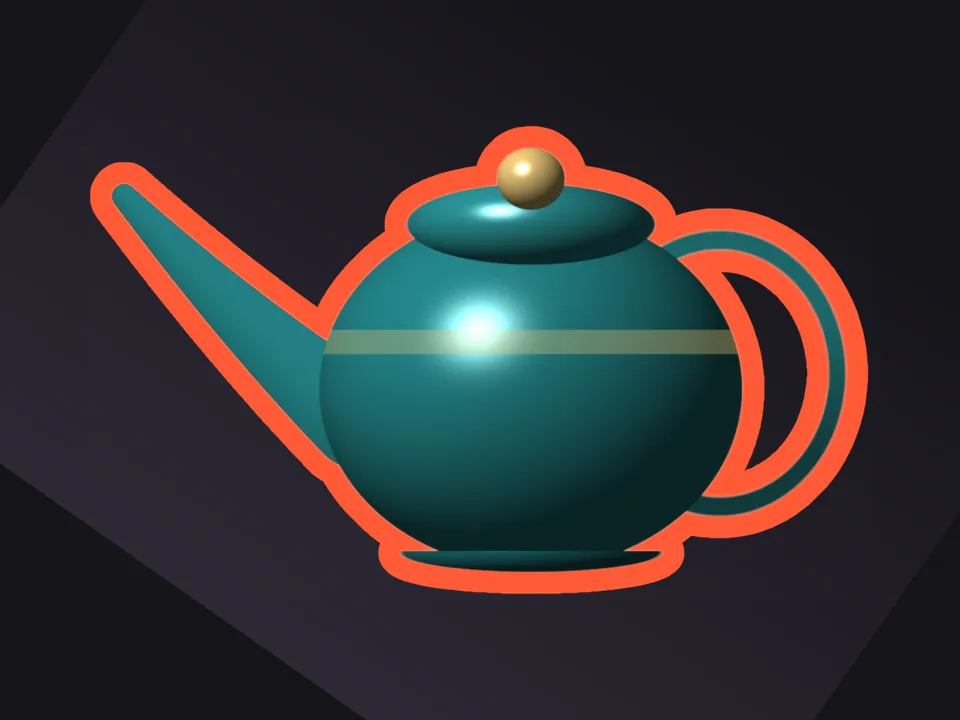
- Set the border width and colour, and the shadow.
- Download a PNG, or choose WhatsApp sticker for a 512 × 512 WebP.
A border you could cut along
The border is grown outwards from the cutout by an exact distance, then rounded off so small gaps between fingers or ears don’t leave notches. That’s the shape a sticker printer’s cutter — or a pair of scissors — can actually follow.
Printing and messaging
For printing, download PNG with a white border: the transparent area outside is the cut line. For WhatsApp, pick the WhatsApp sticker file type, or collect three or more in the tray and download a full pack.
Questions
How do I turn a photo into a sticker?
Open the photo here with the Sticker finish selected — it’s the default on this page. The subject is cut out and given a white border and soft shadow. Download PNG, or WhatsApp sticker for chat.
Can the border be another colour?
Yes. Pick any border colour in Finish, and change its width from thin to chunky.
Does it work on drawings and logos?
Yes. Switch the cut method to Colour key for flat artwork on a plain background, or Ink for line drawings on paper.
Is my picture uploaded anywhere?
No. PicCutout opens and cuts your picture inside your browser, on your device. There is no upload step and no server that receives pictures. The only things this site downloads are its own pages and, if you agree, an AI model file, which is the same for everyone.
Is it free, and is there a watermark?
It’s free, with no sign-in and no watermark. Downloads are full resolution — up to 12 megapixels, which is where very large photos are scaled to keep the browser responsive.