Cut out a person from a photo — hair and all
A portrait model made for people keeps hair as soft transparency instead of a hard helmet edge. Your pictures never leave your device.
Drop a picture to cut out
JPG, PNG, WebP, GIF or AVIF. Or paste one with Ctrl + V. It opens here, on your device.
Cut
Refine the edge
Finish
Background
Export
AI models run on this device and are kept in this browser after their first download.
How to use the cut out a person
- Add a photo of one or more people.
- Allow the person model (25.9 MB) once, or pick Quick (6.2 MB) on a slow connection.
- Brush back any missing hand or shoulder with the Keep brush.
- Download a transparent PNG, or switch the finish to Sticker.
Matting, not just masking
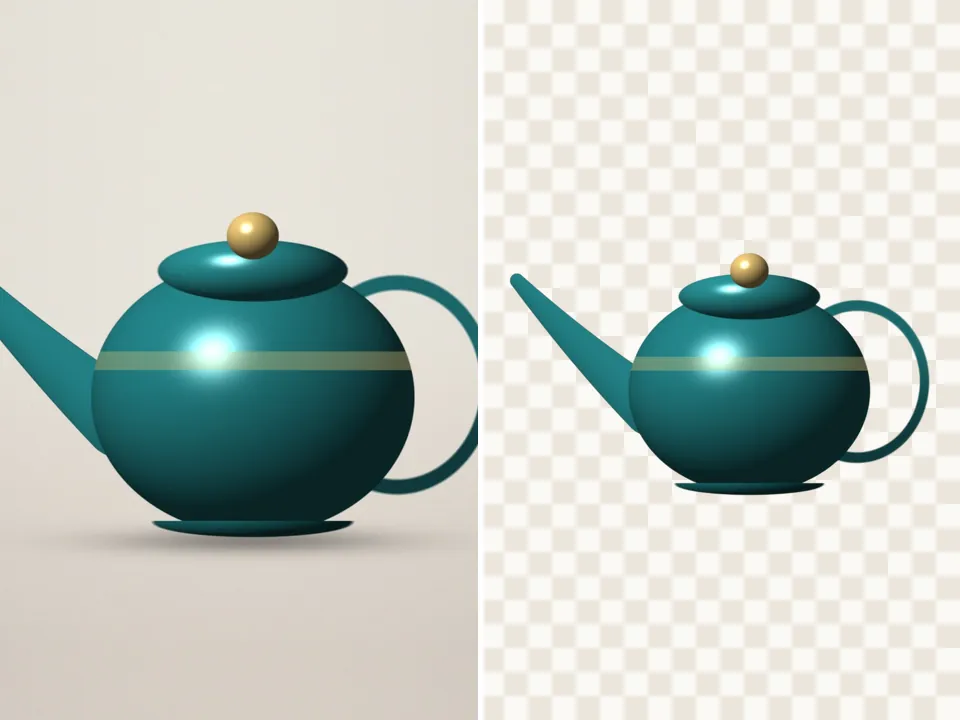
The person model produces a matte: each pixel gets a degree of transparency, so flyaway hair and blurred edges blend onto whatever you place the cutout on, rather than ending in a hard line.
When to use Quick
Quick person is a much smaller model that runs almost instantly. Its edges are softer, which is fine for small profile pictures and stickers. For a large print or a close portrait, the full person model is worth the one-time download.
Questions
Can it cut out a person with a pet or an object?
The person model focuses on people. For a person holding a pet or a product, use Auto subject instead, or cut the person and paint the rest back in with the Keep brush.
What if two people are in the photo and I only want one?
Cut them both, then choose Scissors: cut away and draw around the person you don’t want. Undo is there if you cut too much.
Is my picture uploaded anywhere?
No. PicCutout opens and cuts your picture inside your browser, on your device. There is no upload step and no server that receives pictures. The only things this site downloads are its own pages and, if you agree, an AI model file, which is the same for everyone.
How do I make a profile picture from the cutout?
Set the background colour in Finish and download PNG or JPG. For a round profile picture, use the Shape method with a circle — it can centre itself on a face.
Is it free, and is there a watermark?
It’s free, with no sign-in and no watermark. Downloads are full resolution — up to 12 megapixels, which is where very large photos are scaled to keep the browser responsive.