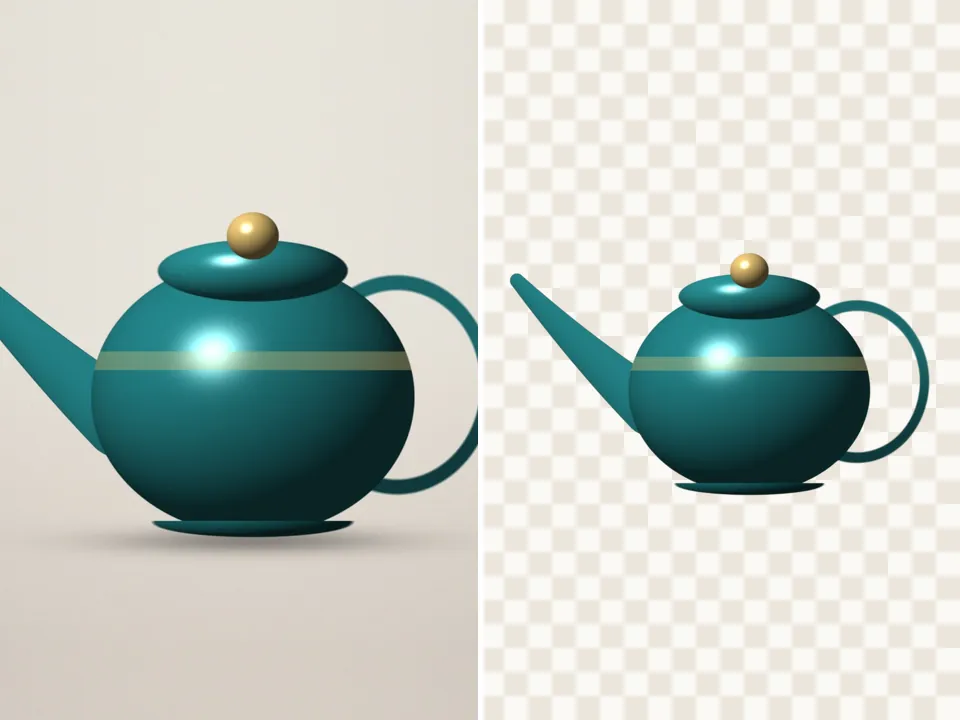
Hand cut photo — cut out with freehand scissors
Trace around it with your finger or mouse. Your line is smoothed so a shaky hand still cuts cleanly. Your pictures never leave your device.
Drop a picture to cut out
JPG, PNG, WebP, GIF or AVIF. Or paste one with Ctrl + V. It opens here, on your device.
Cut
Draw around what you want to keep. Draw again to add more, or switch to Cut away to remove a part.
Refine the edge
Finish
Background
Export
AI models run on this device and are kept in this browser after their first download.
How to use the hand cut
- Add a picture.
- Draw a loop around what you want to keep — it closes itself when you let go.
- Draw more loops to add parts; switch to Scissors: cut away to remove a gap.
- Soften the edge a pixel or two and download.
Scissors that forgive a shaky hand
Each traced line is thinned and smoothed with corner-cutting before it’s filled, so a wobbly finger on a phone still gives a clean curve. Zoom to 2× or 3× for the fiddly bits — the picture scrolls inside its frame.
Mix hand and AI
Hand cut is also a refine tool: after any automatic cut, the same scissors add or cut away whole areas, and the Keep and Erase brushes handle the details.
Questions
Do I need to download anything?
No. Hand cut, Shape, Ink and Colour key run without any model download.
How do I cut out a hole, like the gap under an arm?
Choose Scissors: cut away and draw around the gap. It is removed from the cutout.
Can I undo a cut?
Yes — the undo and redo buttons (or Ctrl + Z and Ctrl + Shift + Z) step back through your last six scissor and brush edits.
Is my picture uploaded anywhere?
No. PicCutout opens and cuts your picture inside your browser, on your device. There is no upload step and no server that receives pictures. The only things this site downloads are its own pages and, if you agree, an AI model file, which is the same for everyone.
Is it free, and is there a watermark?
It’s free, with no sign-in and no watermark. Downloads are full resolution — up to 12 megapixels, which is where very large photos are scaled to keep the browser responsive.