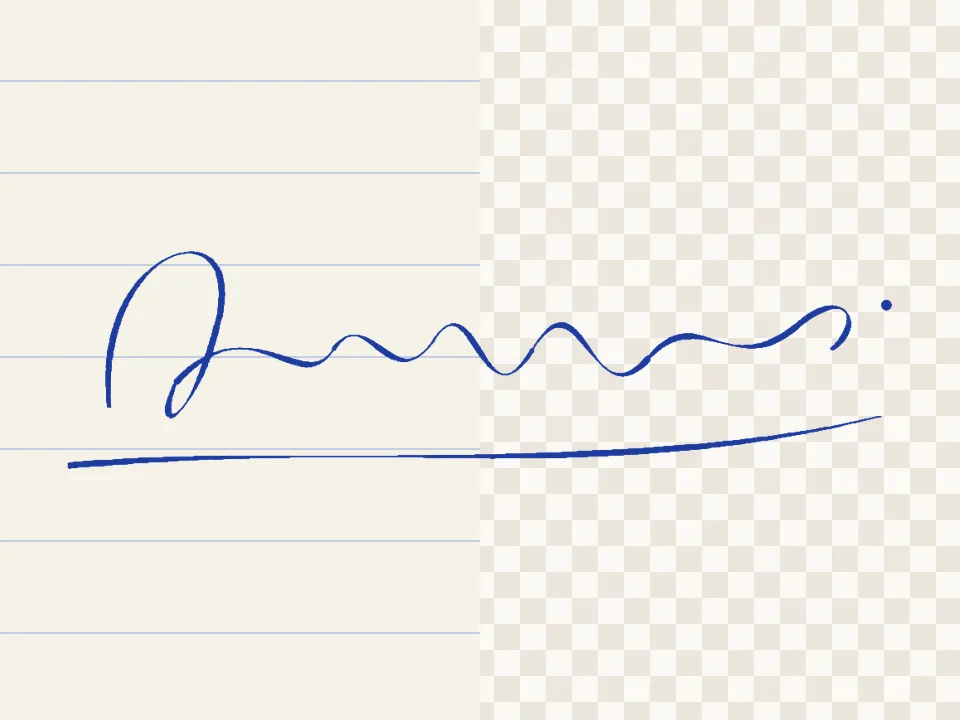
Make logo transparent — remove a logo’s white background
Takes the background colour from the edge, removes it, and un-mixes it from soft edges so there’s no pale fringe. Your pictures never leave your device.
Drop a picture to cut out
JPG, PNG, WebP, GIF or AVIF. Or paste one with Ctrl + V. It opens here, on your device.
Cut
Refine the edge
Finish
Background
Export
AI models run on this device and are kept in this browser after their first download.
How to use the logo transparent
- Add the logo (PNG or JPG).
- The background colour is picked from the edge automatically — or use Pick colour and click it.
- Adjust Tolerance until the background is gone and the logo is intact.
- Download a PNG at the logo’s full size.
No white halo
Anti-aliased edges are a mix of logo colour and background colour. On those edge pixels, PicCutout removes the background colour’s share and keeps the logo’s, so the logo looks right on dark backgrounds too.
White inside the logo stays
With Only background touching the edges on, only background connected to the picture’s border is removed — the white inside letters and icons stays. Turn it off to remove a colour everywhere.
Questions
How do I make my logo background transparent?
Open the logo here; Colour key is already selected and takes the background colour from the edge. Adjust Tolerance if needed, then download PNG.
The white inside my logo disappeared.
Turn on Only background touching the edges, so only the outer background is removed.
My logo is on a coloured or gradient background.
Use Pick colour and click the background. For gradients or photos behind a logo, Auto subject or Hand cut works better.
Is my picture uploaded anywhere?
No. PicCutout opens and cuts your picture inside your browser, on your device. There is no upload step and no server that receives pictures. The only things this site downloads are its own pages and, if you agree, an AI model file, which is the same for everyone.
Is it free, and is there a watermark?
It’s free, with no sign-in and no watermark. Downloads are full resolution — up to 12 megapixels, which is where very large photos are scaled to keep the browser responsive.