Transparent PNG maker — turn any picture into a PNG with no background
Keeps your picture’s full size by default, so the transparent PNG lines up with the original. Your pictures never leave your device.
Drop a picture to cut out
JPG, PNG, WebP, GIF or AVIF. Or paste one with Ctrl + V. It opens here, on your device.
Cut
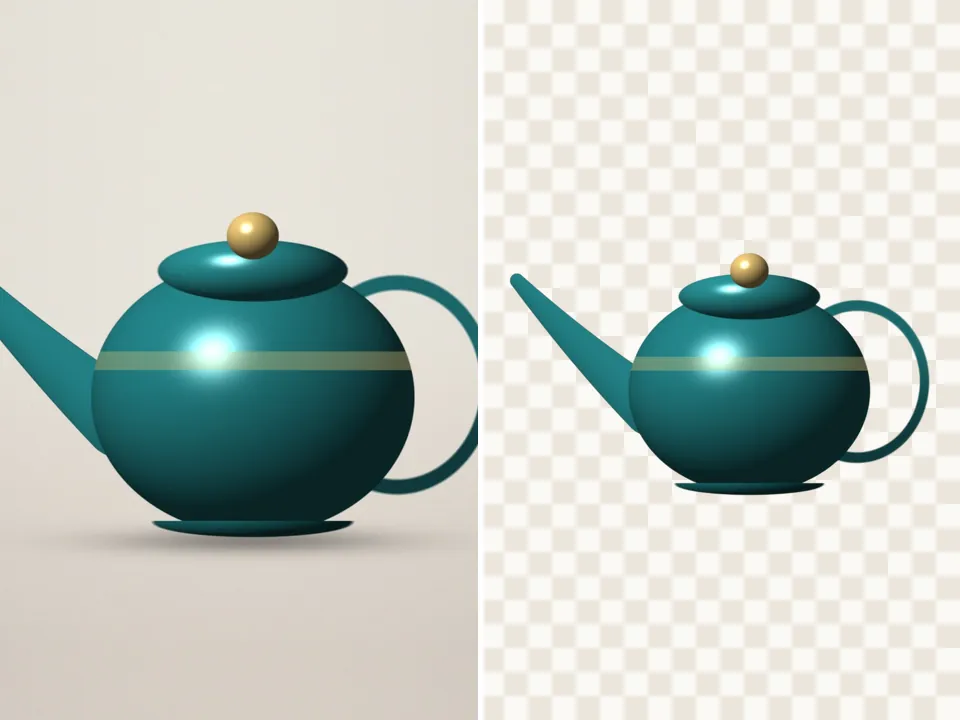
The subject finder looks for the main thing in the picture — a product, pet, plant, person or object.
Refine the edge
Finish
Background
Export
AI models run on this device and are kept in this browser after their first download.
How to use the transparent png maker
- Add a JPG, PNG or WebP.
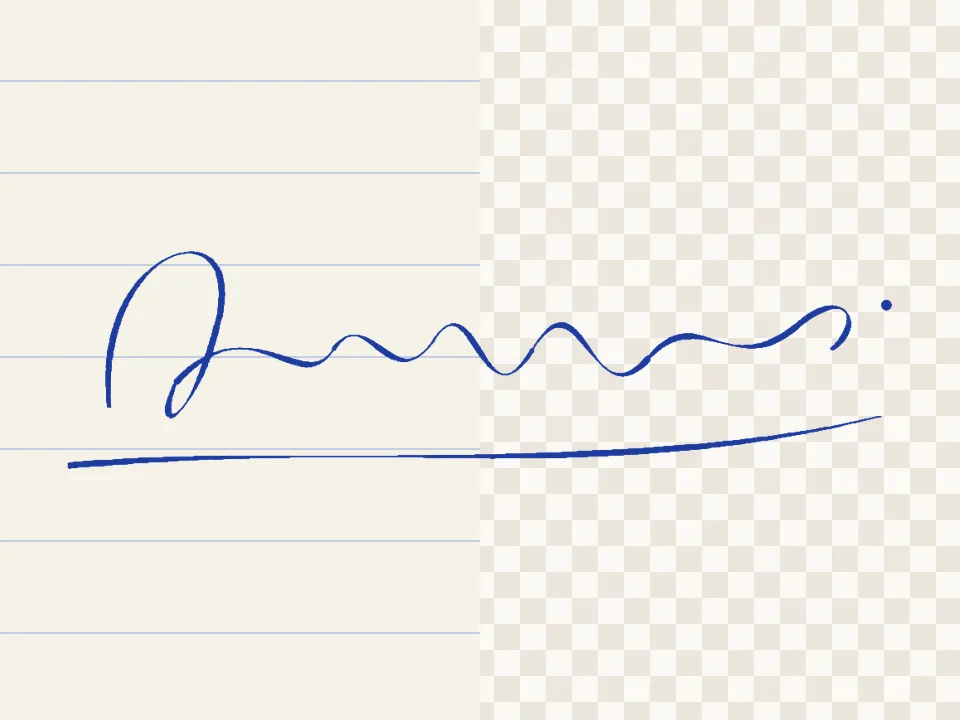
- Choose Auto subject for photos, Colour key for logos and flat graphics, or Ink for writing.
- Check the edges against the checkerboard.
- Download the PNG — it keeps the original size unless you switch on trimming.
A real alpha channel
The download is a PNG with an alpha channel: fully transparent where the background was, partly transparent along soft edges like hair, and solid on the subject. The checkerboard in the preview is how transparency is shown on screen — it is not in the file.
Pick the right cutter for the picture
Photos: Auto subject or Person. Logos, icons and screenshots on a plain colour: Colour key, which also un-mixes the old background from anti-aliased edges so there’s no pale fringe. Signatures and handwriting: Ink. Anything else: Hand cut.
Questions
How do I make a JPG transparent?
JPG files can’t hold transparency, so the result is saved as a PNG. Open the JPG here, cut out what you want to keep, and download PNG — the background becomes transparent.
Will the PNG be the same size as my picture?
On this page, yes: Trim to the cutout is off, so the PNG has the same width and height as your picture (very large photos are worked on at up to 12 megapixels). Switch trimming on for a file that is just big enough for the cutout.
How do I make a white background transparent?
Choose Colour key. It takes the colour along the picture’s edge — white, for most logos — and removes it, keeping white parts inside the design when Only background touching the edges is on.
Is my picture uploaded anywhere?
No. PicCutout opens and cuts your picture inside your browser, on your device. There is no upload step and no server that receives pictures. The only things this site downloads are its own pages and, if you agree, an AI model file, which is the same for everyone.
Can I get a smaller file than PNG?
Choose WebP in Export. It keeps transparency and is usually much smaller. Safari can show WebP but can’t write it, so on Safari stick with PNG.