Silhouette maker — turn a photo into a solid silhouette
Cut out the subject and fill it with a single colour — black, white or anything you pick. Your pictures never leave your device.
Drop a picture to cut out
JPG, PNG, WebP, GIF or AVIF. Or paste one with Ctrl + V. It opens here, on your device.
Cut
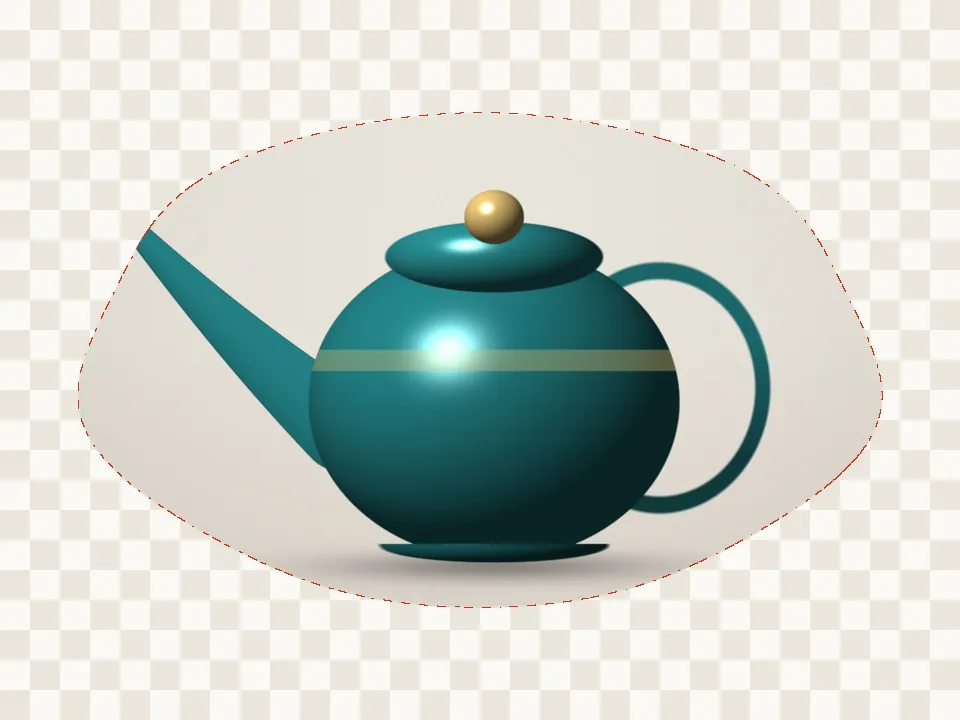
The subject finder looks for the main thing in the picture — a product, pet, plant, person or object.
Refine the edge
Finish
Silhouette colour
Background
Export
AI models run on this device and are kept in this browser after their first download.
How to use the silhouette maker
- Add a photo with a clear outline — a profile, a pose, a pet.
- Let the subject finder cut it out (or trace it with Hand cut).
- Pick the silhouette colour and, if you want, a background colour.
- Download PNG or JPG.
Good silhouettes start with a clear shape
Side profiles, raised arms and pets in profile read best. If the AI merges a gap you want open — between legs, say — cut it away with the scissors before downloading.
Use it anywhere
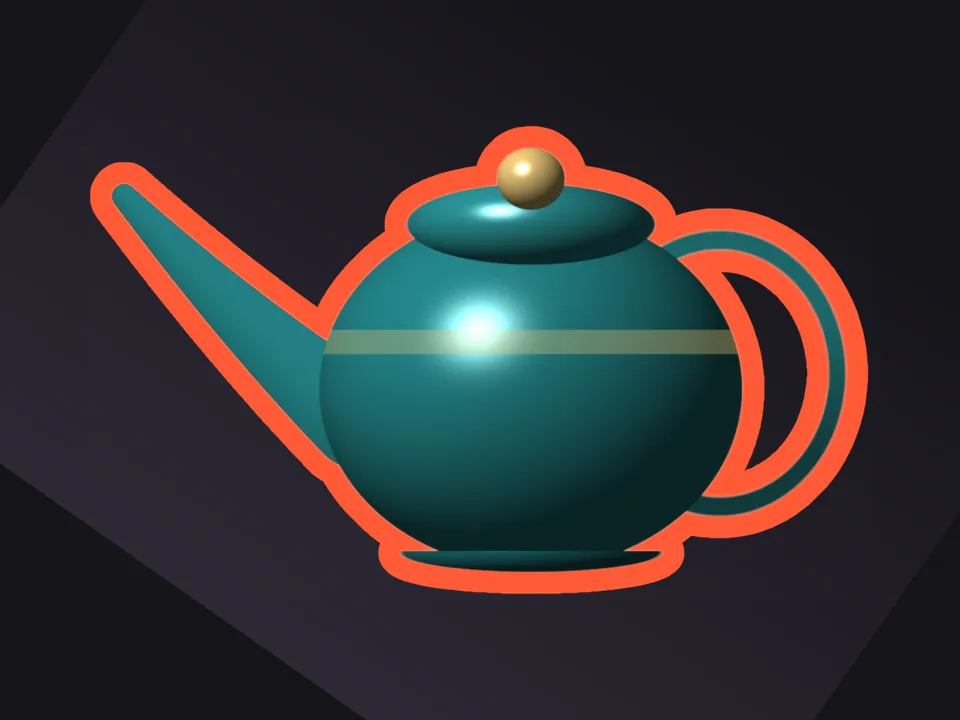
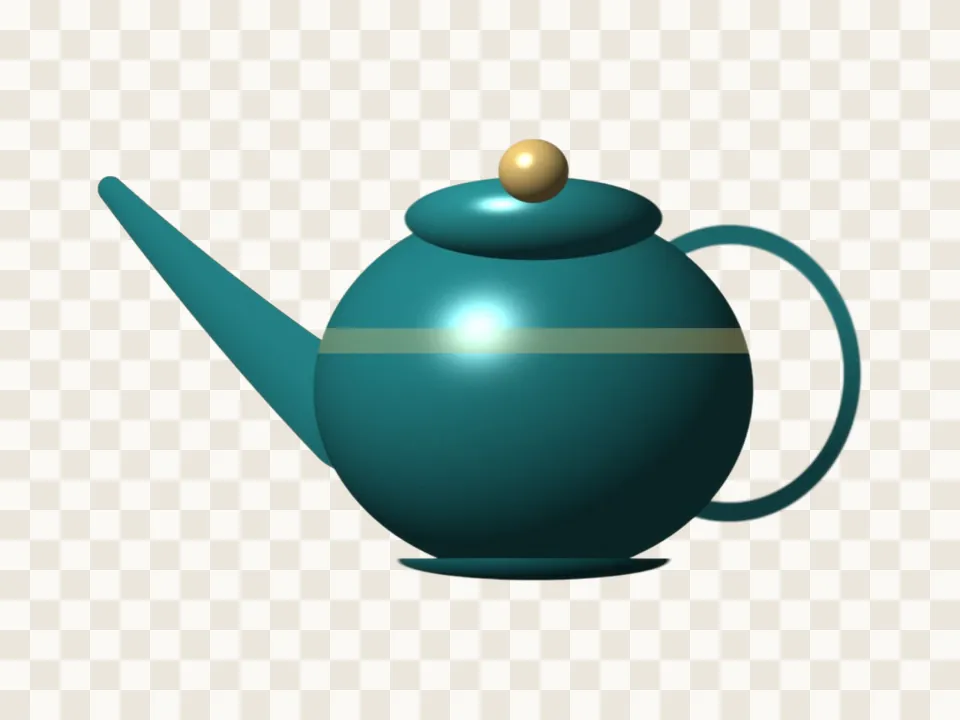
Silhouettes work for logos, wall art, signage, cake toppers and craft cutting. The PNG keeps a transparent background; for a mask with white on black, choose the Mask file type.
Questions
How do I make a silhouette of a person?
Open the photo, choose Person or Auto subject, and the Silhouette finish fills the cutout with your colour. Download PNG.
Can I make a white silhouette on black?
Yes. Choose white as the silhouette colour and black as the background, or choose the Mask file type, which is white on black.
Is my picture uploaded anywhere?
No. PicCutout opens and cuts your picture inside your browser, on your device. There is no upload step and no server that receives pictures. The only things this site downloads are its own pages and, if you agree, an AI model file, which is the same for everyone.
Can I get an SVG for a cutting machine?
Not yet — downloads are PNG, WebP, JPG or mask images. A high-resolution PNG silhouette can be traced by most cutting-machine software.
Is it free, and is there a watermark?
It’s free, with no sign-in and no watermark. Downloads are full resolution — up to 12 megapixels, which is where very large photos are scaled to keep the browser responsive.