Photo cutout online — lift the subject out of any photo
The subject finder cuts out the main thing in your photo. Brush, scissors and edge sliders fix the rest. Your pictures never leave your device.
Drop a picture to cut out
JPG, PNG, WebP, GIF or AVIF. Or paste one with Ctrl + V. It opens here, on your device.
Cut
The subject finder looks for the main thing in the picture — a product, pet, plant, person or object.
Refine the edge
Finish
Background
Export
AI models run on this device and are kept in this browser after their first download.
How to use the photo cutout
- Add your photo.
- Allow the one-time model download (88.1 MB) the first time — it runs on your device.
- Check the edge with Show cut-away parts on, and fix it with the brushes.
- Download a trimmed transparent PNG.
Made for real photos
The subject finder is a general salient-object model: it picks the main subject whether that’s a mug, a shoe, a plant, a dog or a person. It works at 1024 × 1024 internally and its result is stretched back over your full-size photo, so the download keeps your photo’s resolution.
Fix what AI gets wrong
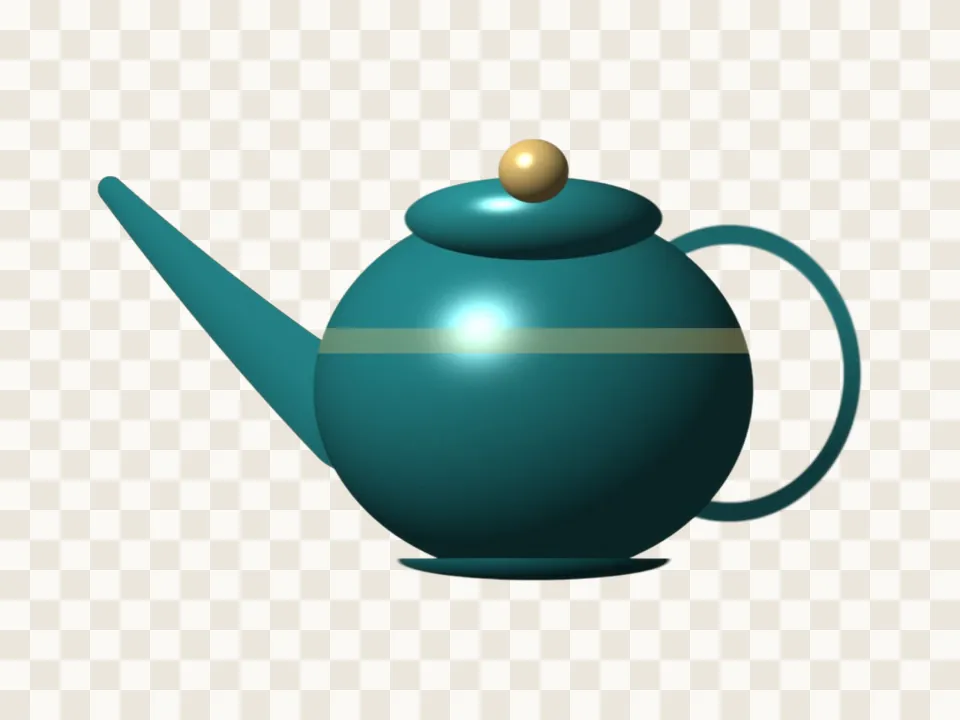
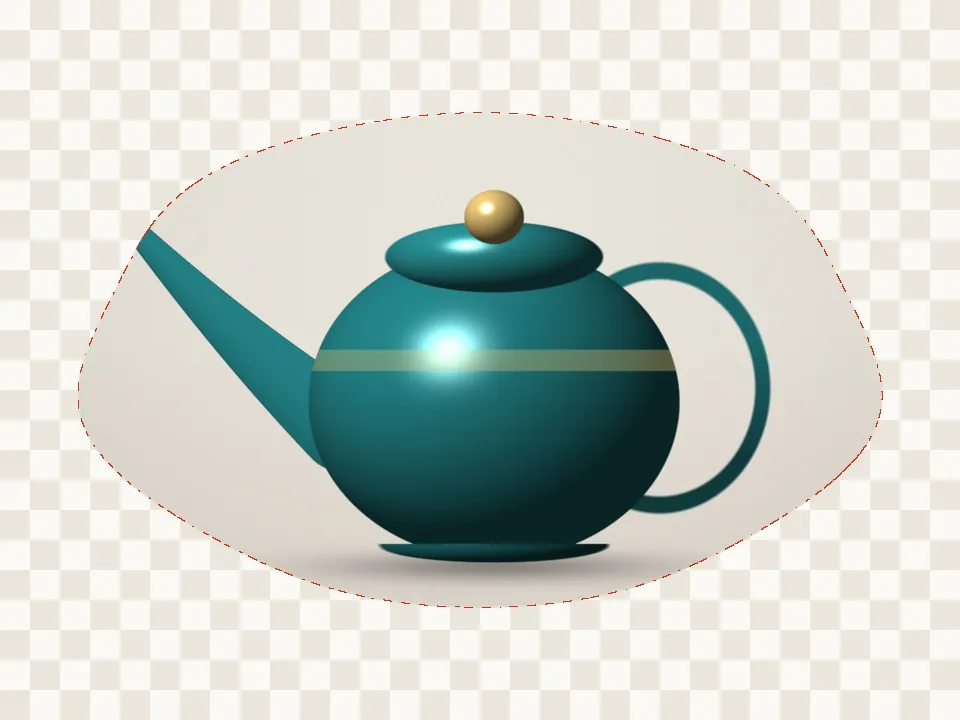
Turn on Show cut-away parts and the removed background appears faintly, so you can see a missing handle or a gap between arms. The Keep brush paints it back, the Erase brush removes extra, the scissors cut whole areas, and Grow / shrink tightens the edge by exact pixels.
Questions
Why does the first cutout take longer?
The first time, your browser downloads the subject model (88.1 MB) from our model file server and keeps it. After that it starts from this browser’s cache. A cut takes a second or two where the browser can use the graphics chip, and up to about 20 seconds on the processor alone.
Is my picture uploaded anywhere?
No. PicCutout opens and cuts your picture inside your browser, on your device. There is no upload step and no server that receives pictures. The only things this site downloads are its own pages and, if you agree, an AI model file, which is the same for everyone.
The cutout has a halo of background around it. How do I remove it?
Move Grow / shrink to −1 or −2 pixels to pull the edge in, and add a pixel or two of Soften edge if it looks harsh. For one stubborn patch, use the Erase brush with a low hardness.
Can I keep the photo’s original size?
Yes. Turn off Trim to the cutout and the PNG keeps the photo’s width and height, with everything except the subject transparent.
Is it free, and is there a watermark?
It’s free, with no sign-in and no watermark. Downloads are full resolution — up to 12 megapixels, which is where very large photos are scaled to keep the browser responsive.