Shape cropper — cut a picture into a star, hexagon, arch and more
Ten shapes, dragged and sized on your picture, with outlines, sticker borders and shadows. Your pictures never leave your device.
Drop a picture to cut out
JPG, PNG, WebP, GIF or AVIF. Or paste one with Ctrl + V. It opens here, on your device.
Cut
Drag on the picture to move the shape.
Refine the edge
Finish
Background
Export
AI models run on this device and are kept in this browser after their first download.
How to use the shape cropper
- Add a picture.
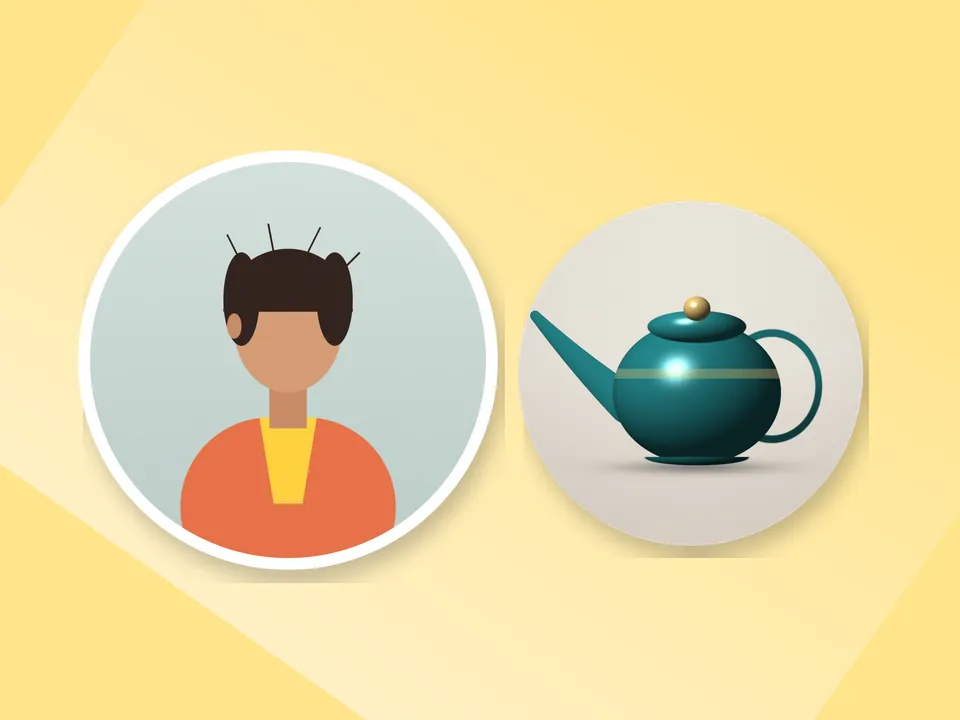
- Pick a shape: circle, heart, star, hexagon, rounded square, oval, diamond, arch, flower or speech bubble.
- Drag to position and set the size.
- Add an outline or sticker border and download.
Ten shapes, one picture
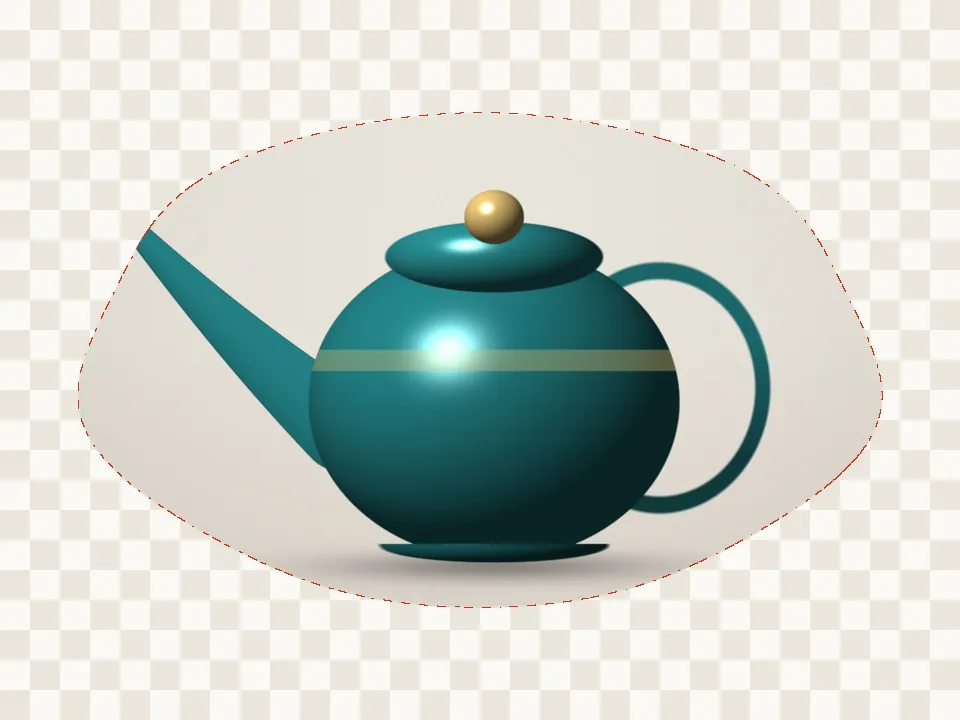
Switch shapes without starting over — the position carries across. The arch suits portraits and posters, the hexagon suits team grids, the speech bubble suits quotes and comic panels, and the flower suits invitations.
Shapes plus finishes
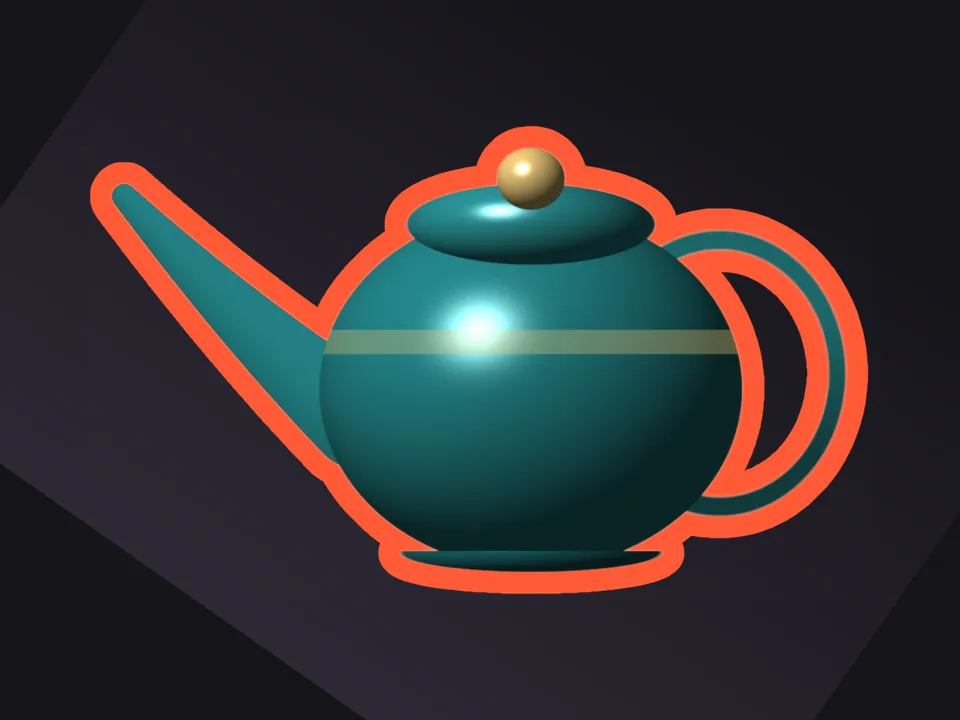
Every finish works on shapes too: an outline in any colour, a white sticker border, or a drop shadow. Use the brushes if you want part of the picture to break out of the shape.
Questions
Which shapes are there?
Circle, heart, star, hexagon, rounded square, oval, diamond, arch, flower and speech bubble.
Can part of the subject stick out of the shape?
Yes. After placing the shape, switch to the Keep brush and paint over the part that should overlap the edge — like a head popping out of a circle.
Is my picture uploaded anywhere?
No. PicCutout opens and cuts your picture inside your browser, on your device. There is no upload step and no server that receives pictures. The only things this site downloads are its own pages and, if you agree, an AI model file, which is the same for everyone.
Can I change the shape after positioning it?
Yes. Pick another shape and it keeps the same centre; adjust the size if needed.
Is it free, and is there a watermark?
It’s free, with no sign-in and no watermark. Downloads are full resolution — up to 12 megapixels, which is where very large photos are scaled to keep the browser responsive.